$ cd ~/talks/font-donts

Font Don'ts⁠

The most common ways web fonts go wrong: blocking embeds, faux bold, fuzzy rendering, and why variable fonts are the next step.

$ open slides

  1. FONT DON’TS TECH SHARE
  2. FONTS MATTER For most of us, at some level, a user is looking at text on your page, application, whatever…
  3. FONTS MATTER “Type is how we ‘hear’ what we read” - Jason Pamental
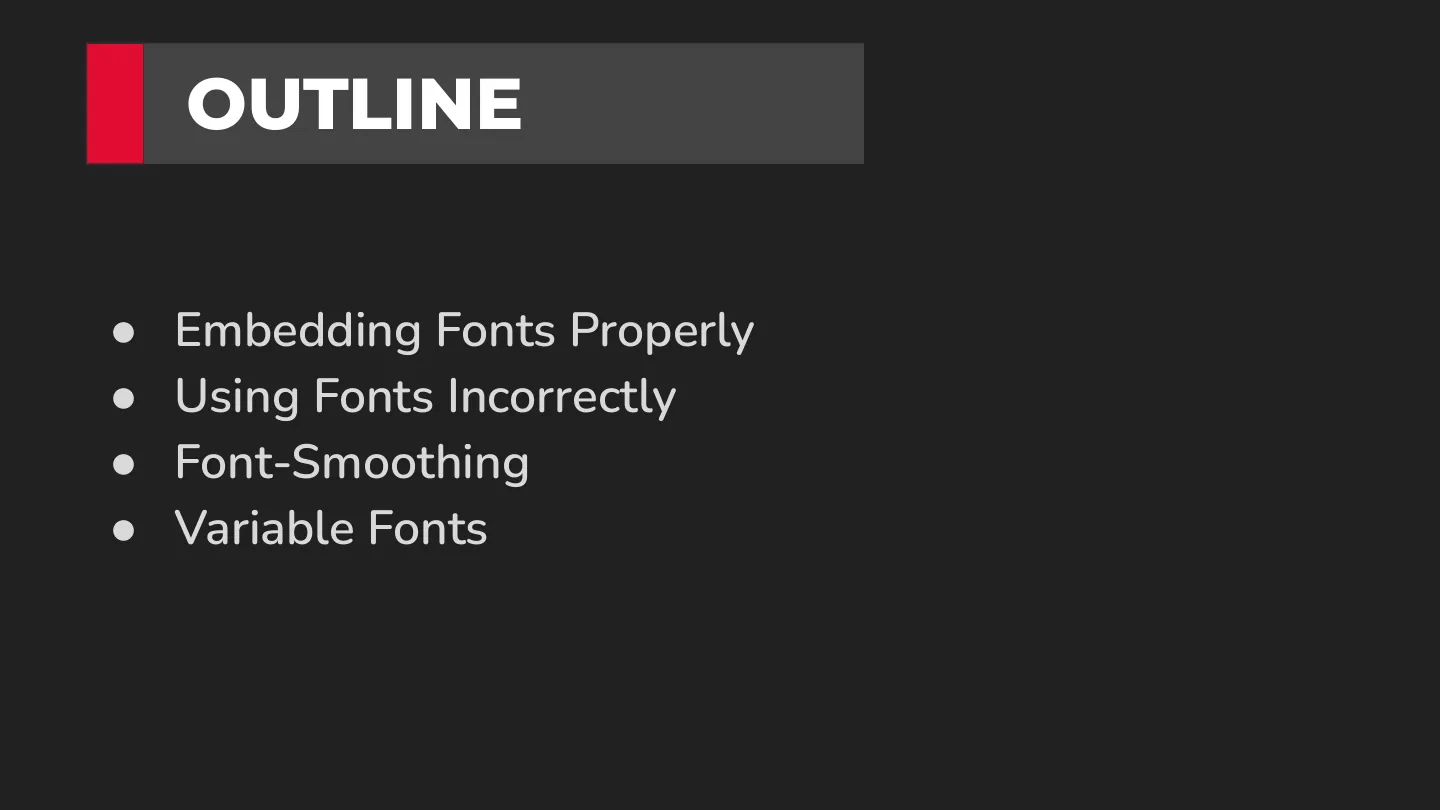
  4. ●Embedding Fonts Properly ●Using Fonts Incorrectly ●Font-Smoothing ●Variable Fonts OUTLINE
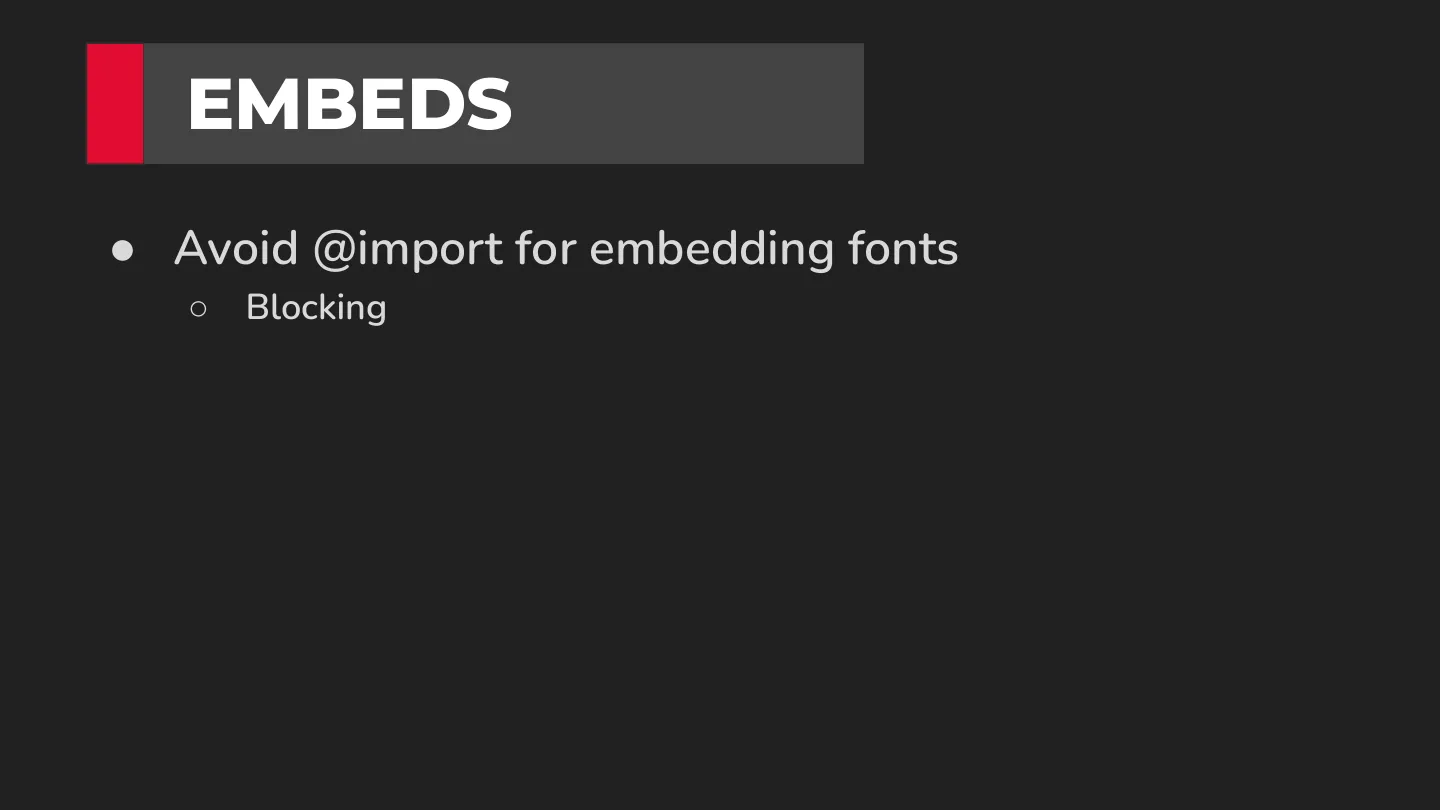
  5. ●Avoid @import for embedding fonts ○ Blocking EMBEDS
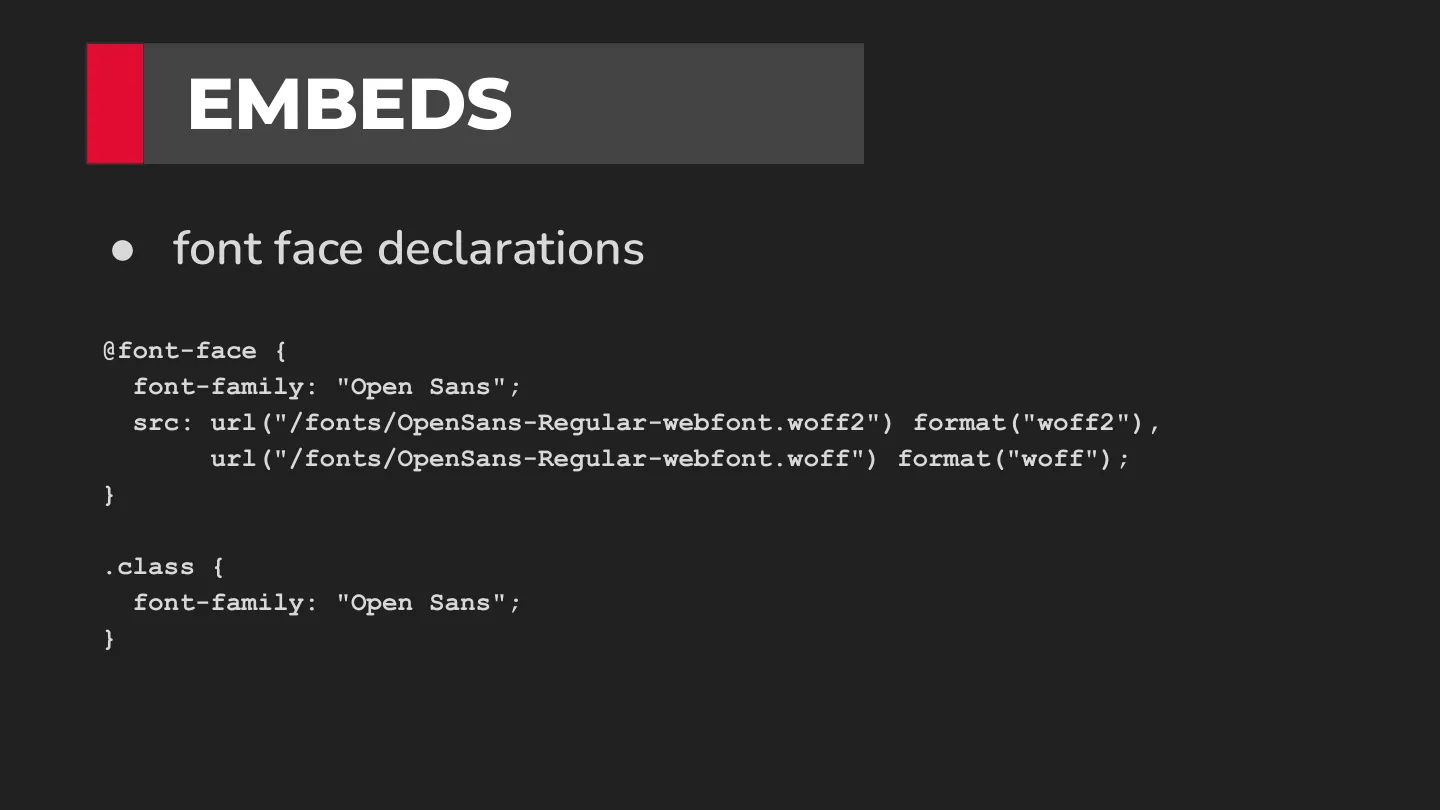
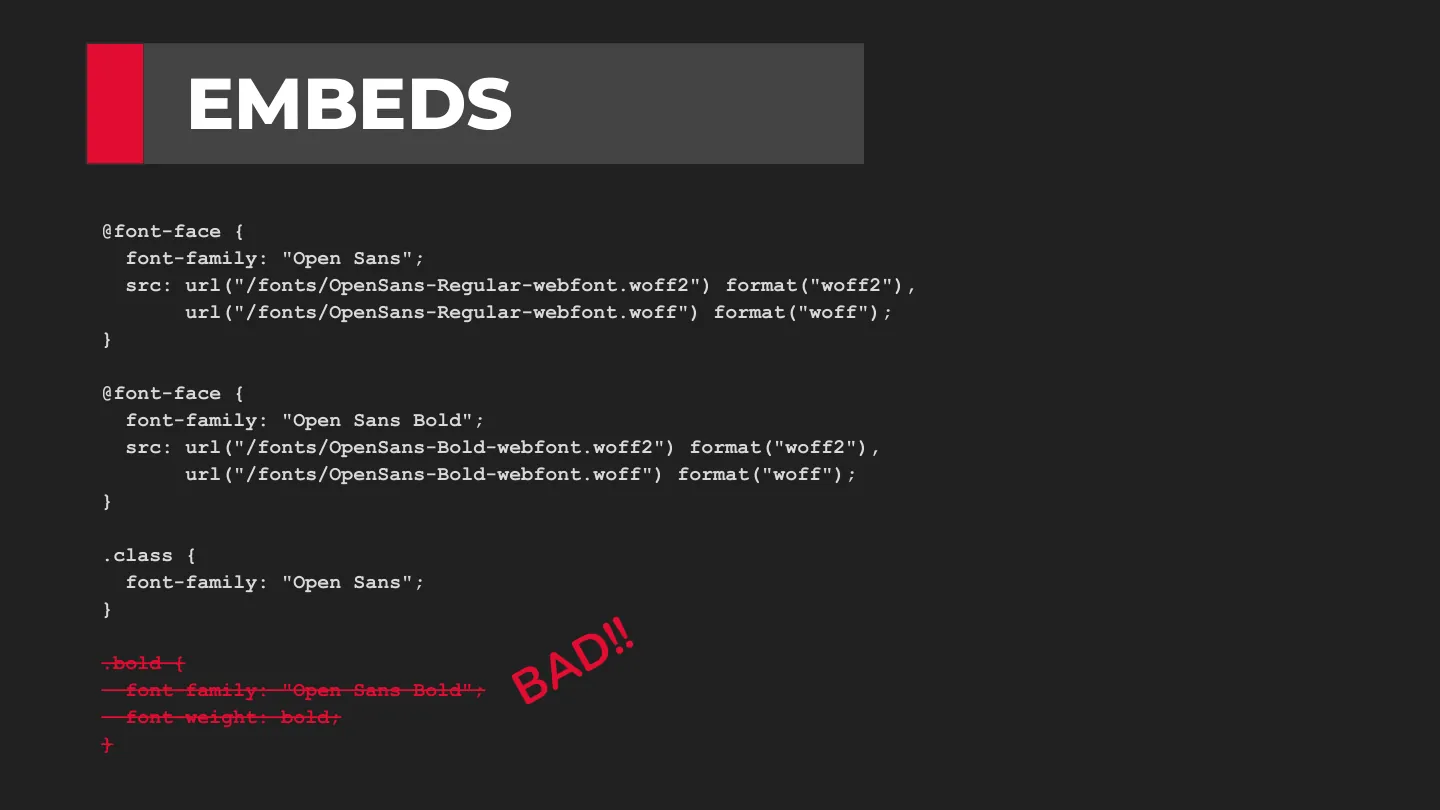
  6. ●font face declarations .class { EMBEDS
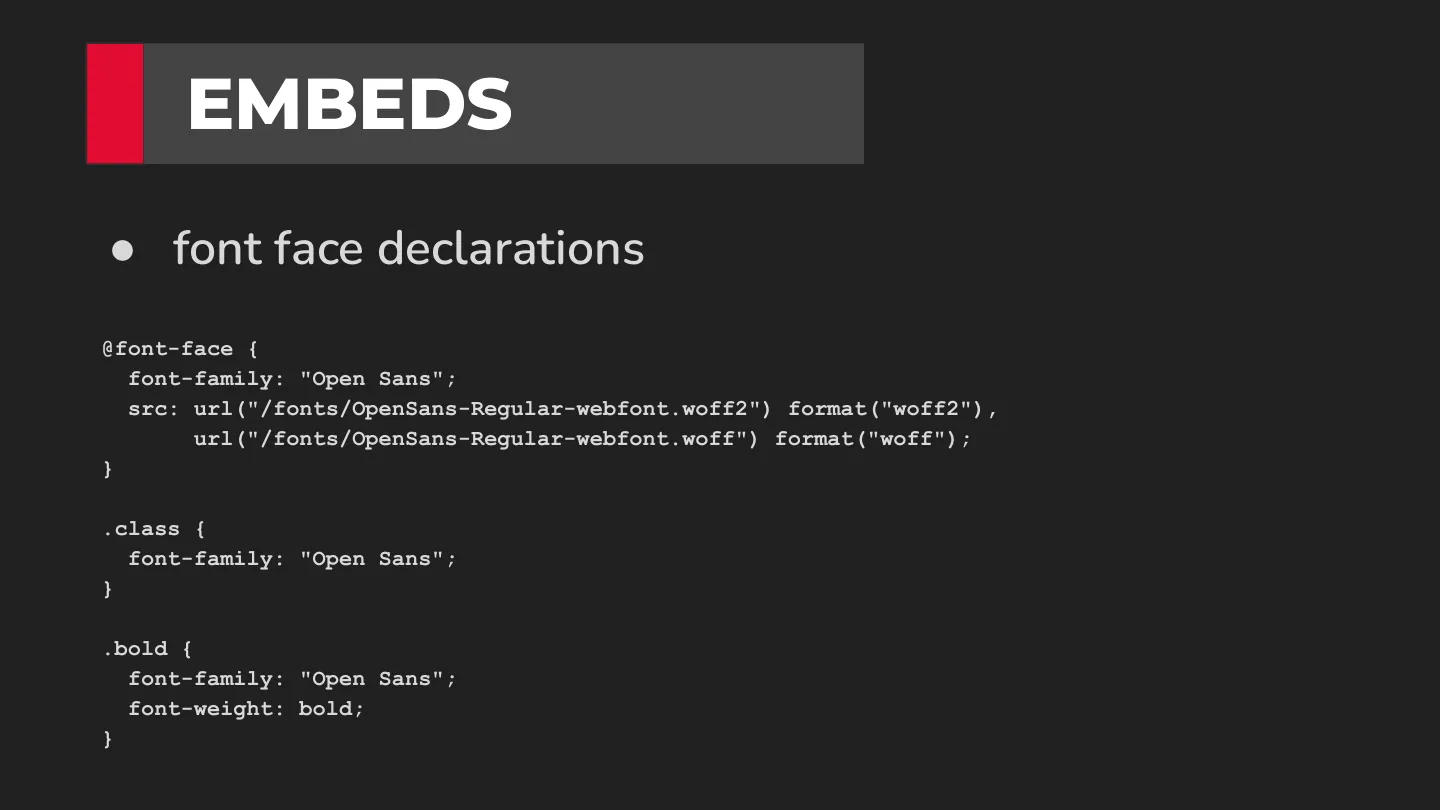
  7. ●font face declarations .class { .bold { font-weight: bold; EMBEDS
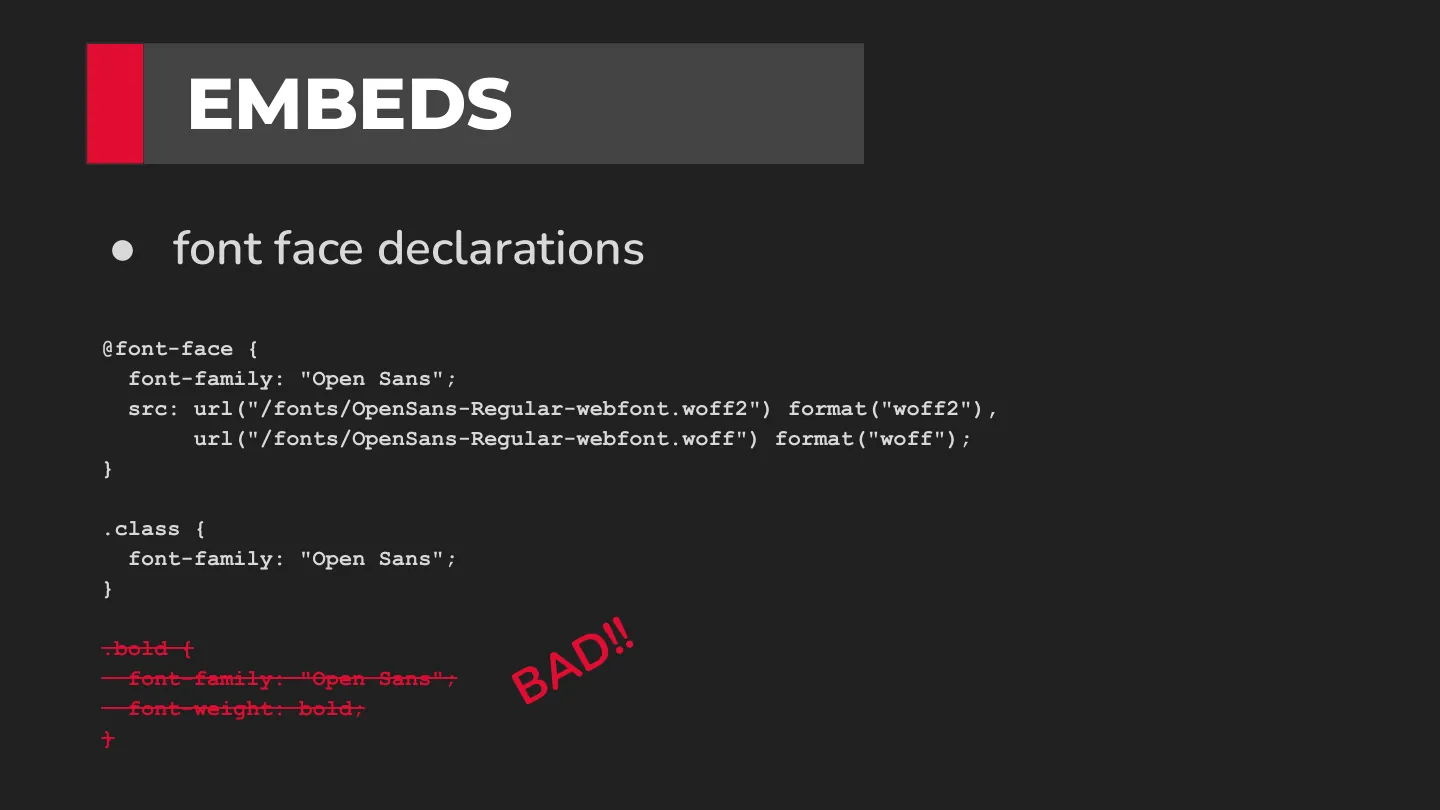
  8. ●font face declarations .class { .bold { font-weight: bold; EMBEDS BAD!!
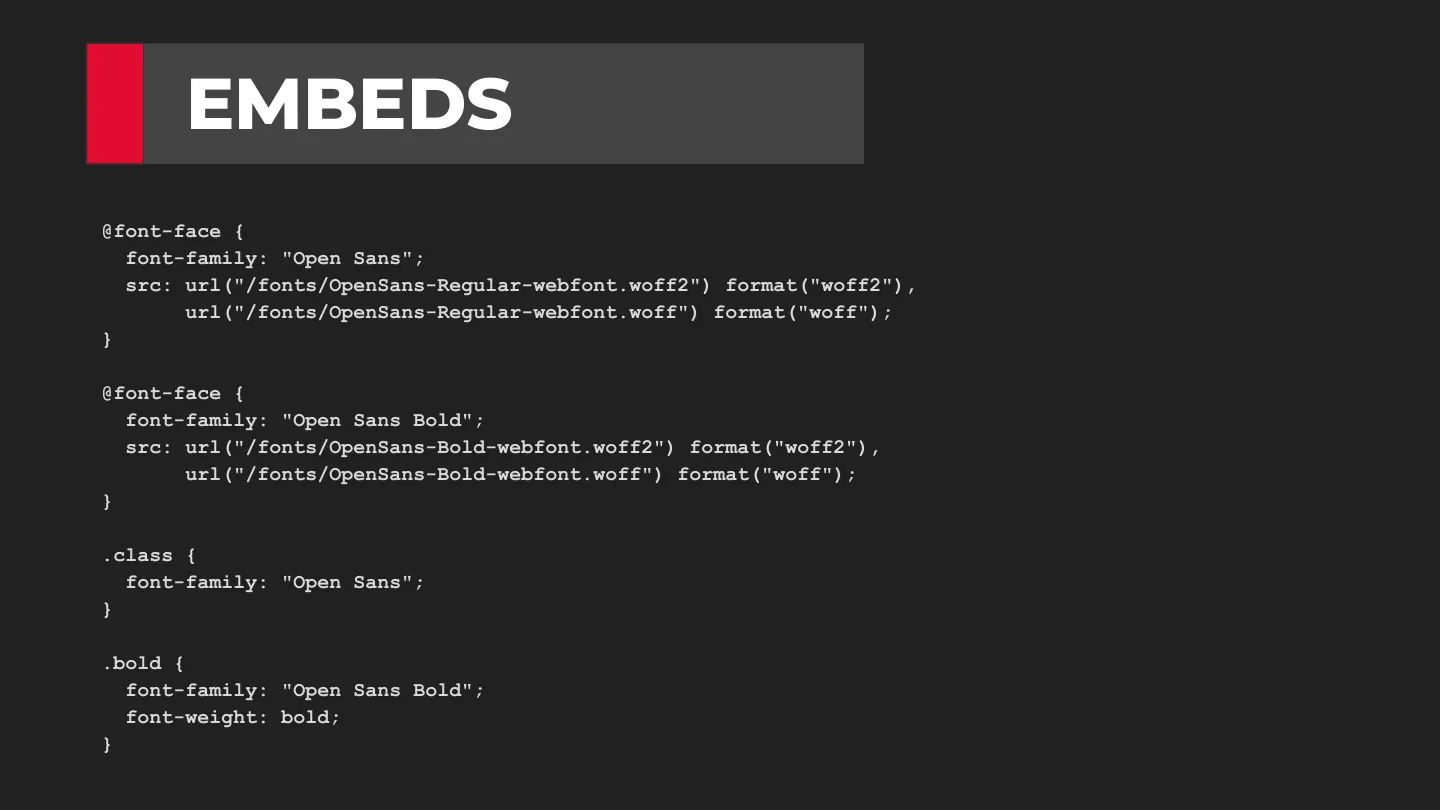
  9. font-family: "Open Sans Bold"; src: url("/fonts/OpenSans-Bold-webfont.woff2") format("woff2"), url("/fonts/OpenSans-Bold-webfont.woff") format("woff"); .class { .bold { font-family: "Open Sans Bold"; font-weight: bold; EMBEDS
  10. font-family: "Open Sans Bold"; src: url("/fonts/OpenSans-Bold-webfont.woff2") format("woff2"), url("/fonts/OpenSans-Bold-webfont.woff") format("woff"); .class { .bold { font-family: "Open Sans Bold"; font-weight: bold; EMBEDS BAD!!
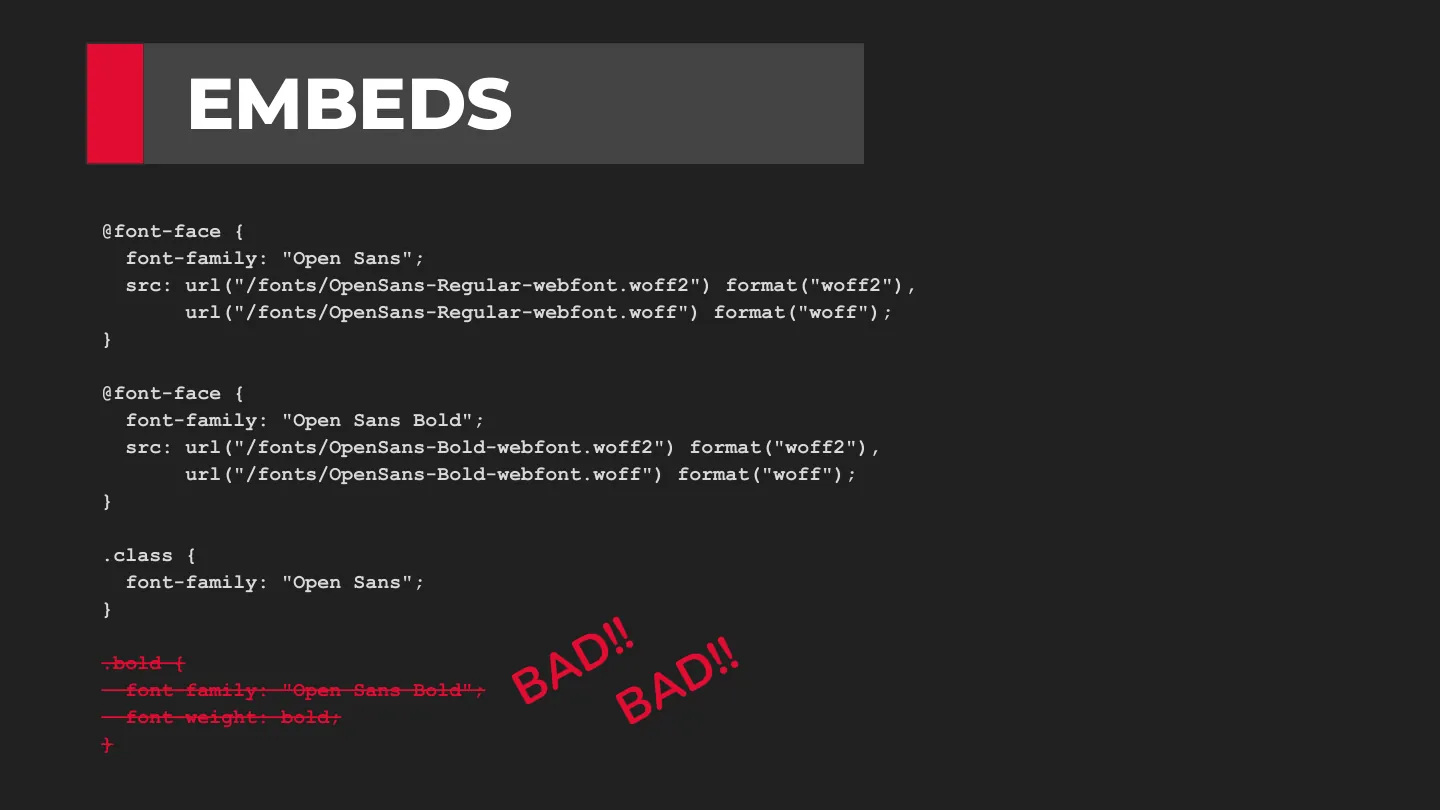
  11. font-family: "Open Sans Bold"; src: url("/fonts/OpenSans-Bold-webfont.woff2") format("woff2"), url("/fonts/OpenSans-Bold-webfont.woff") format("woff"); .class { .bold { font-family: "Open Sans Bold"; font-weight: bold; EMBEDS BAD!! BAD!!
  12. src: url("/fonts/OpenSans-Bold-webfont.woff2") format("woff2"), url("/fonts/OpenSans-Bold-webfont.woff") format("woff"); font-weight: bold; .class { .bold { font-weight: bold; EMBEDS
  13. src: url("/fonts/OpenSans-Bold-webfont.woff2") format("woff2"), url("/fonts/OpenSans-Bold-webfont.woff") format("woff"); font-weight: bold; .class { .bold { font-weight: bold; EMBEDS
  14. src: url("/fonts/OpenSans-Bold-webfont.woff2") format("woff2"), url("/fonts/OpenSans-Bold-webfont.woff") format("woff"); font-weight: bold; .class { .bold { font-weight: bold; EMBEDS codepen
  15. ●You ever have the thing where you put a webfont on your site and it just doesn’t look right? ●You may be having an anti-aliasing issue. ●https://www.html5rocks.com/en/tutorials/internals/a ntialiasing-101/ ●There’s a simple fix! FONT-SMOOTHING
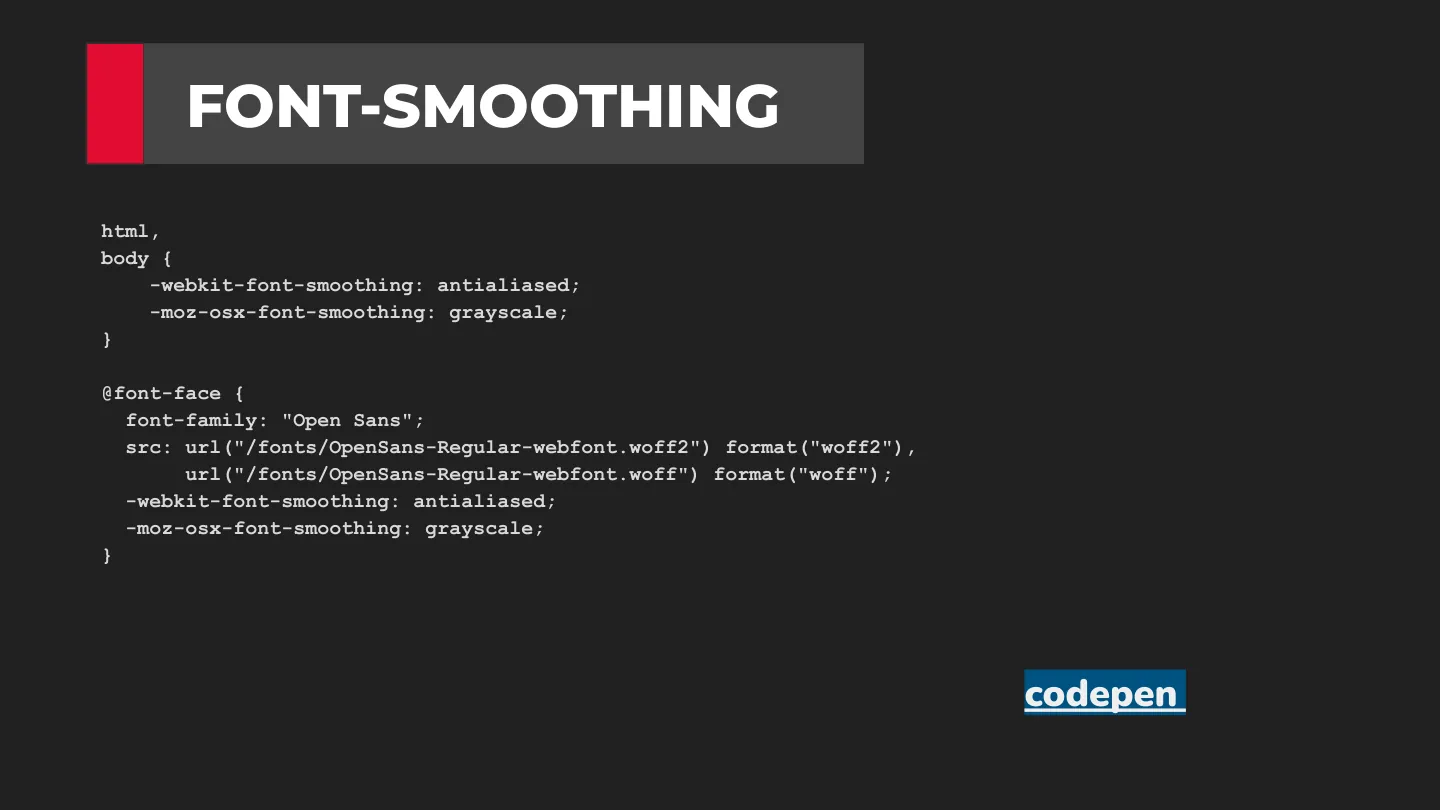
  16. html, body { -webkit-font-smoothing: antialiased; -moz-osx-font-smoothing: grayscale; FONT-SMOOTHING
  17. html, body { -webkit-font-smoothing: antialiased; -moz-osx-font-smoothing: grayscale; -webkit-font-smoothing: antialiased; -moz-osx-font-smoothing: grayscale; FONT-SMOOTHING
  18. html, body { -webkit-font-smoothing: antialiased; -moz-osx-font-smoothing: grayscale; -webkit-font-smoothing: antialiased; -moz-osx-font-smoothing: grayscale; FONT-SMOOTHING codepen
  19. VARIABLE FONTS ●Variable Fonts are the next evolution of fonts ●In short, you can access multiple variations of the font from within a single font embed ○ Less bandwidth = faster sites ●Many of the free Google Fonts options are now available as variable ●Variable fonts workshop in January of 2020 with Jason Pamental
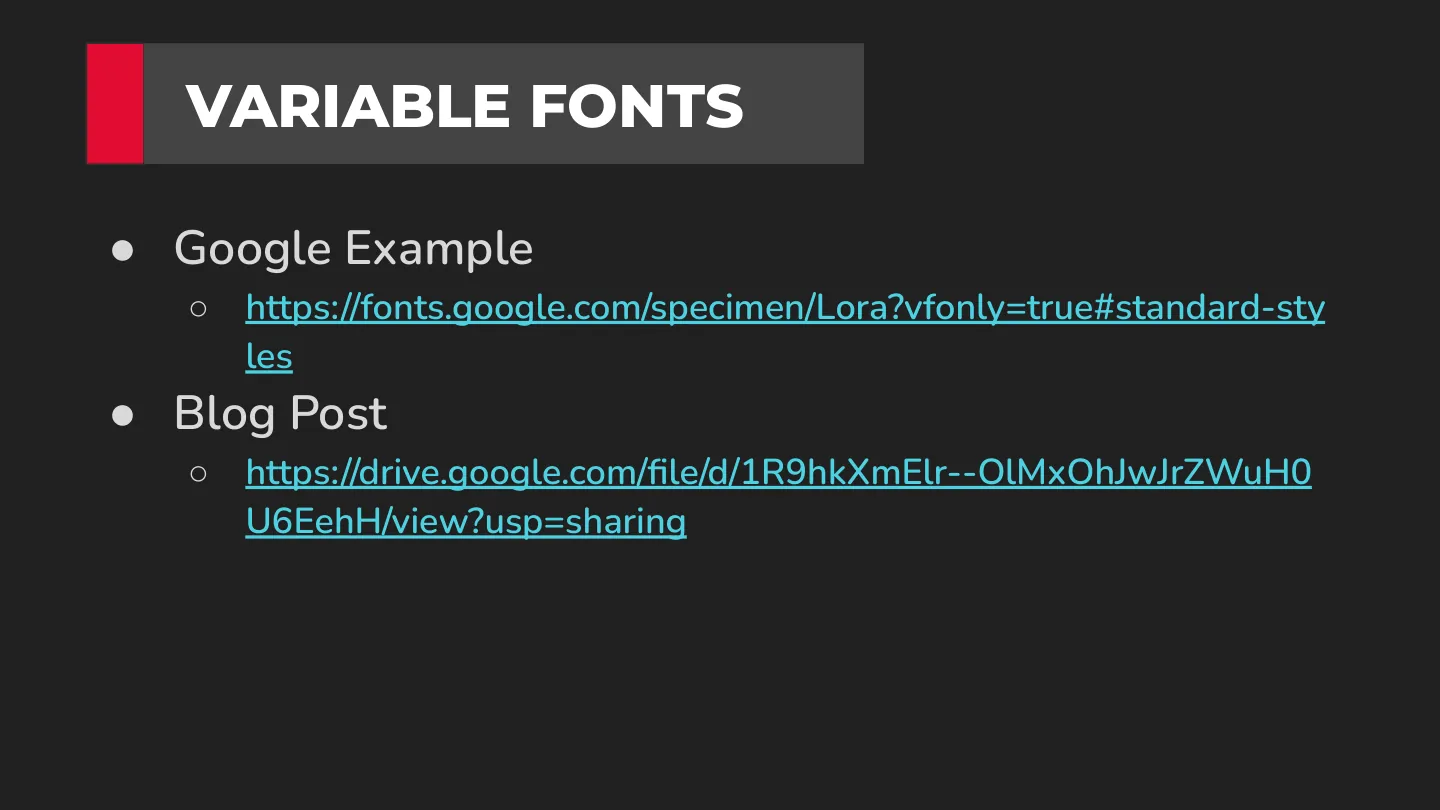
  20. VARIABLE FONTS ●Google Example ○ https://fonts.google.com/specimen/Lora?vfonly=true#standard-sty les ●Blog Post ○ https://drive.google.com/file/d/1R9hkXmElr--OlMxOhJwJrZWuH0 U6EehH/view?usp=sharing
  21. QUESTIONS?
1 / 21
download pdf ↓

$ cat notes.md

For most of us, at some level, a user is looking at text on whatever we build. My friend Jason Pamental put it best:

Type is how we “hear” what we read.

If you care about type on the web, Jason is the person to learn from. (We did a variable fonts workshop with him back in January 2020.)

Embedding fonts properly

Avoid @import for embedding fonts: it blocks rendering. Use @font-face instead, listing woff2 first and woff as the fallback.

Using fonts incorrectly

The classic mistake: you declare only the regular weight, then set font-weight: bold on it. There’s no bold file, so the browser fakes it by smearing the regular one. Bad!

The “fix” a lot of us reach for is just as bad: declaring the bold file as its own family, like "Open Sans Bold", and switching families to get bold text. Now bold isn’t a weight anymore, and if you also set font-weight: bold, the browser fakes bold on top of the real bold. Bad, bad!

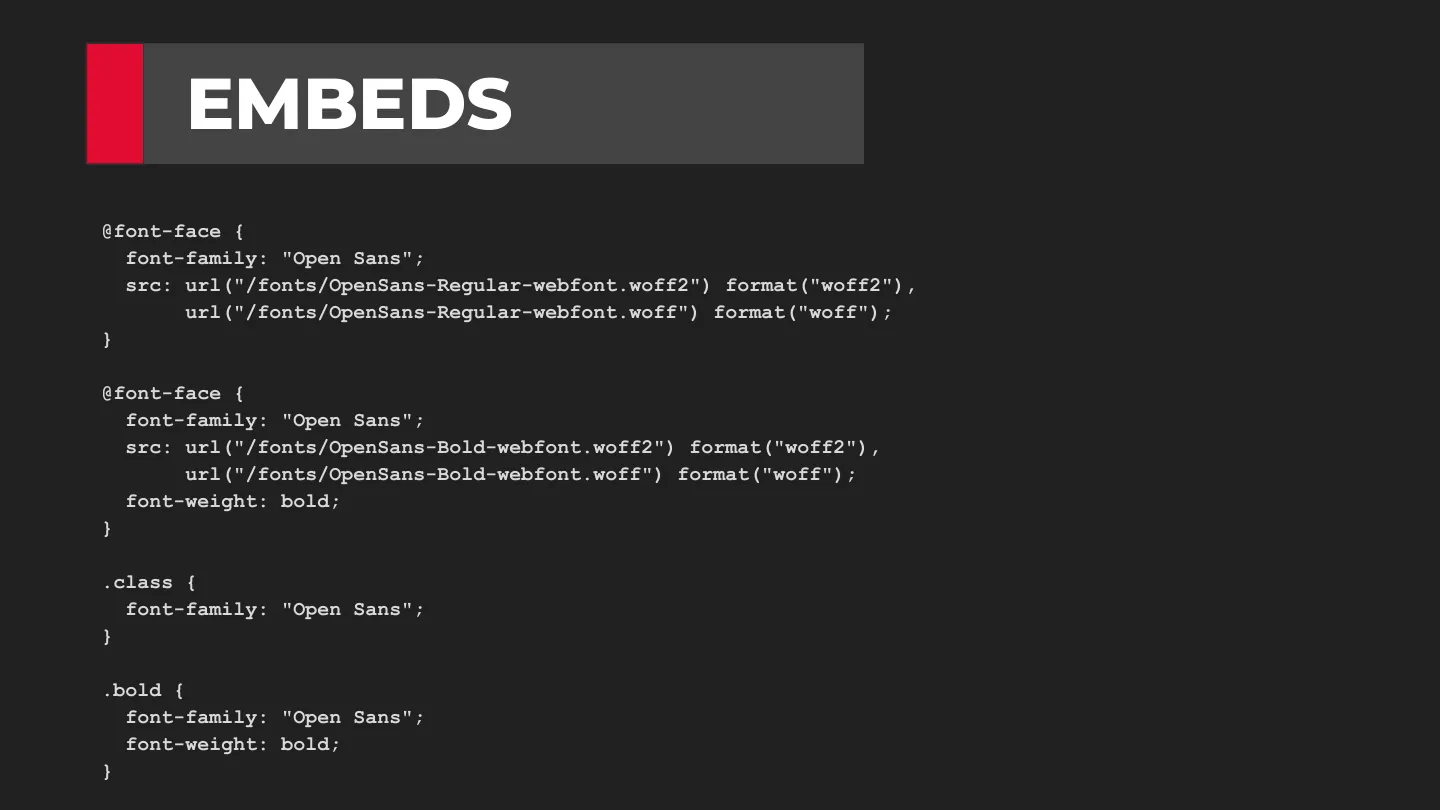
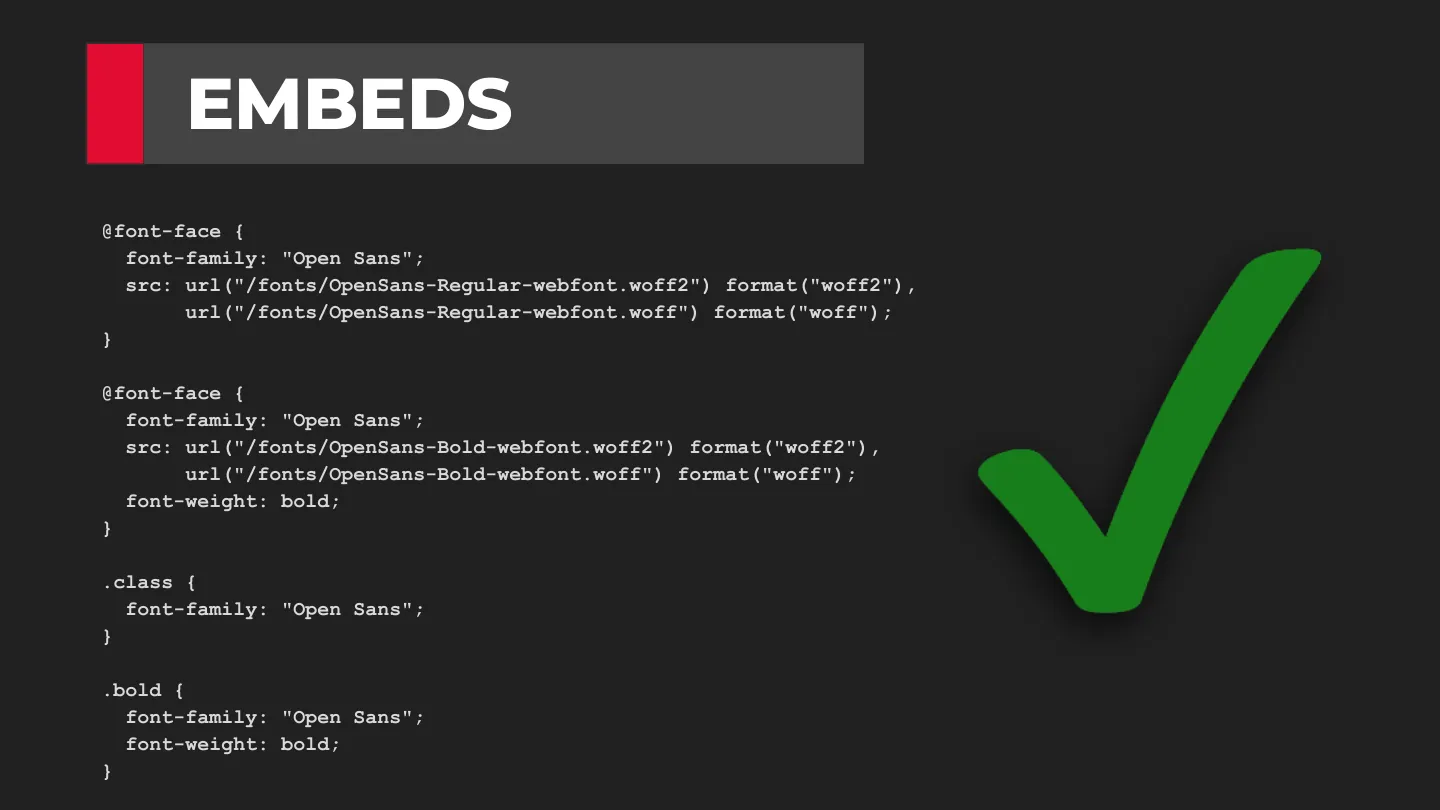
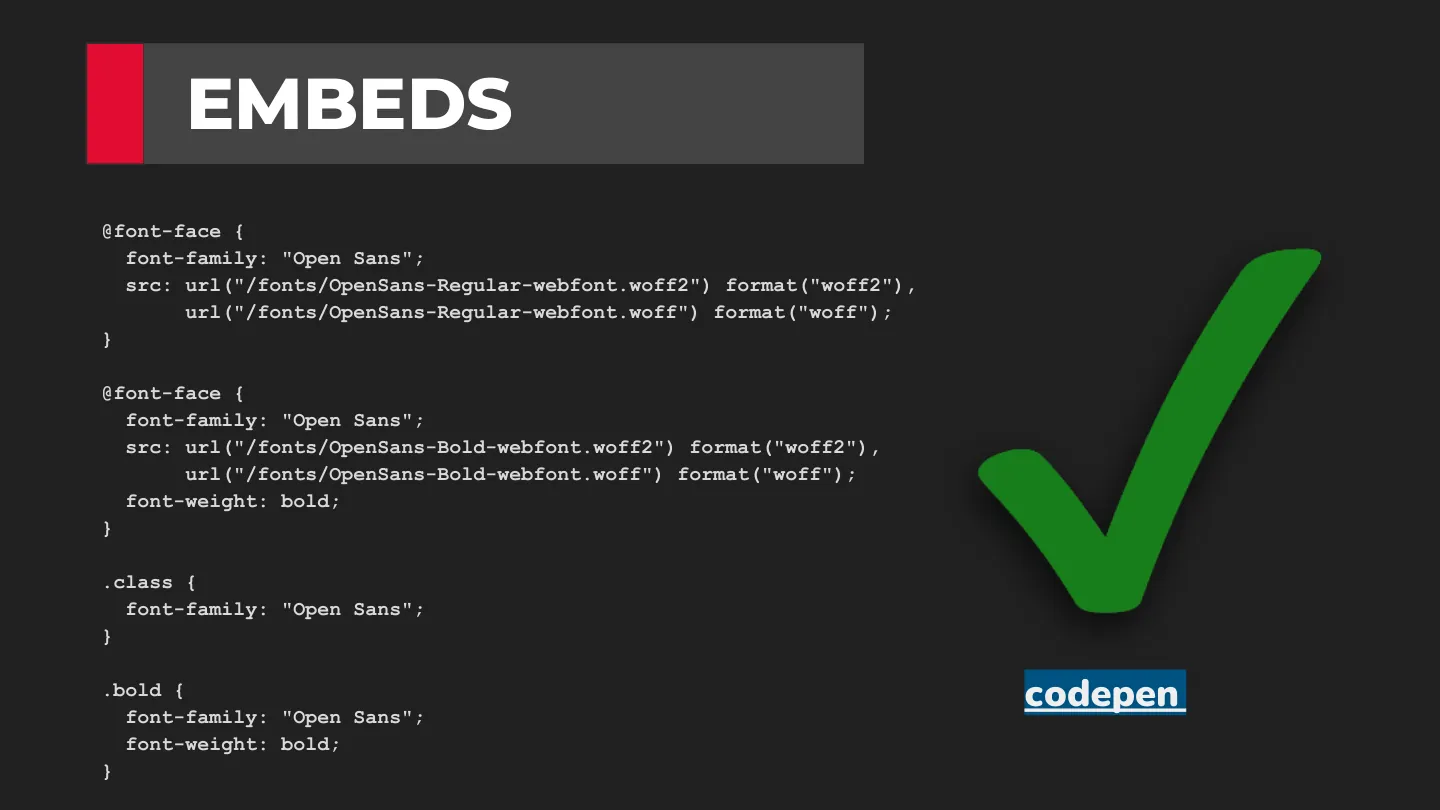
What you want is one family with a face per weight:

@font-face {
  font-family: "Open Sans";
  src: url("/fonts/OpenSans-Regular-webfont.woff2") format("woff2"),
       url("/fonts/OpenSans-Regular-webfont.woff") format("woff");
}

@font-face {
  font-family: "Open Sans";
  src: url("/fonts/OpenSans-Bold-webfont.woff2") format("woff2"),
       url("/fonts/OpenSans-Bold-webfont.woff") format("woff");
  font-weight: bold;
}

.bold {
  font-family: "Open Sans";
  font-weight: bold;
}

Now font-weight: bold picks the real bold file.

Font smoothing

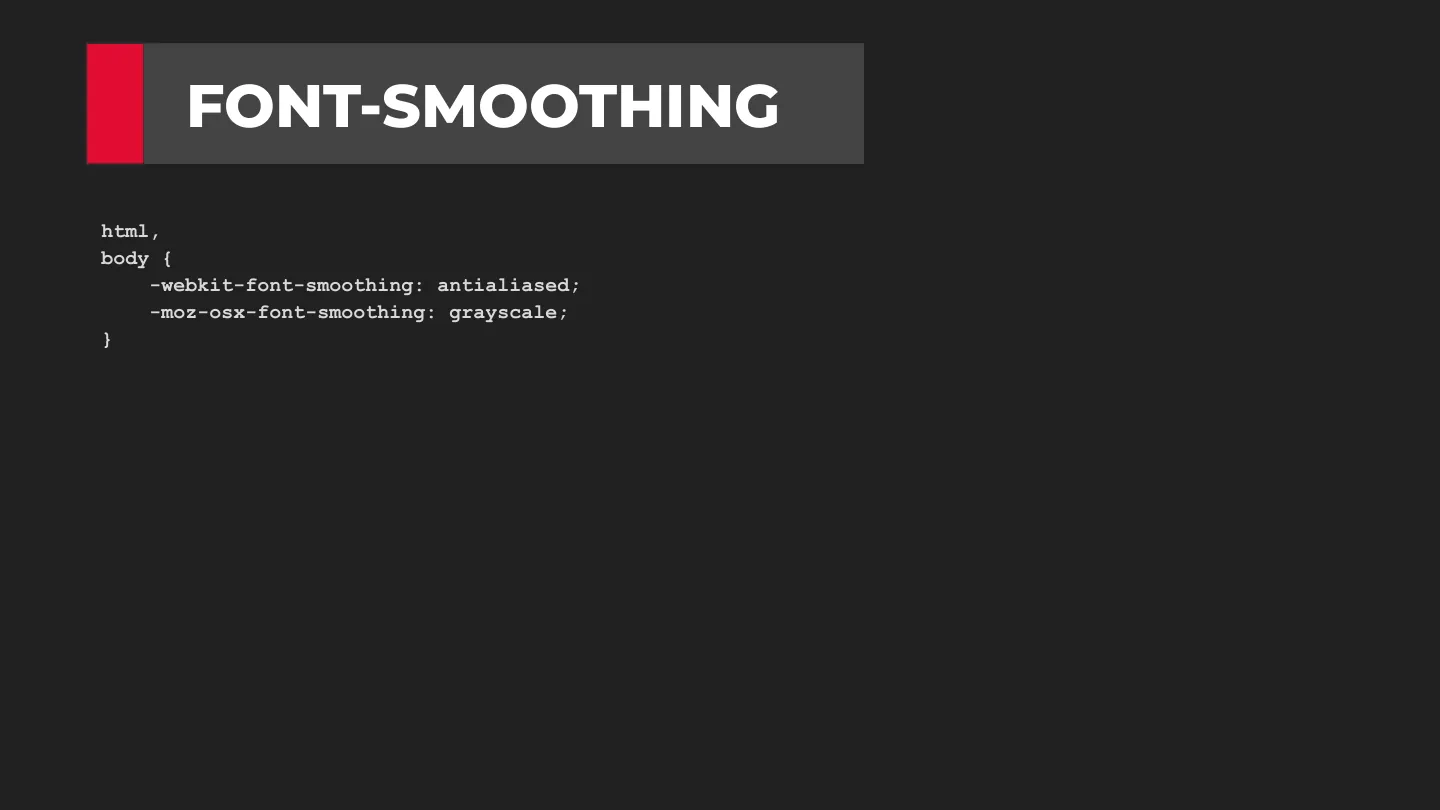
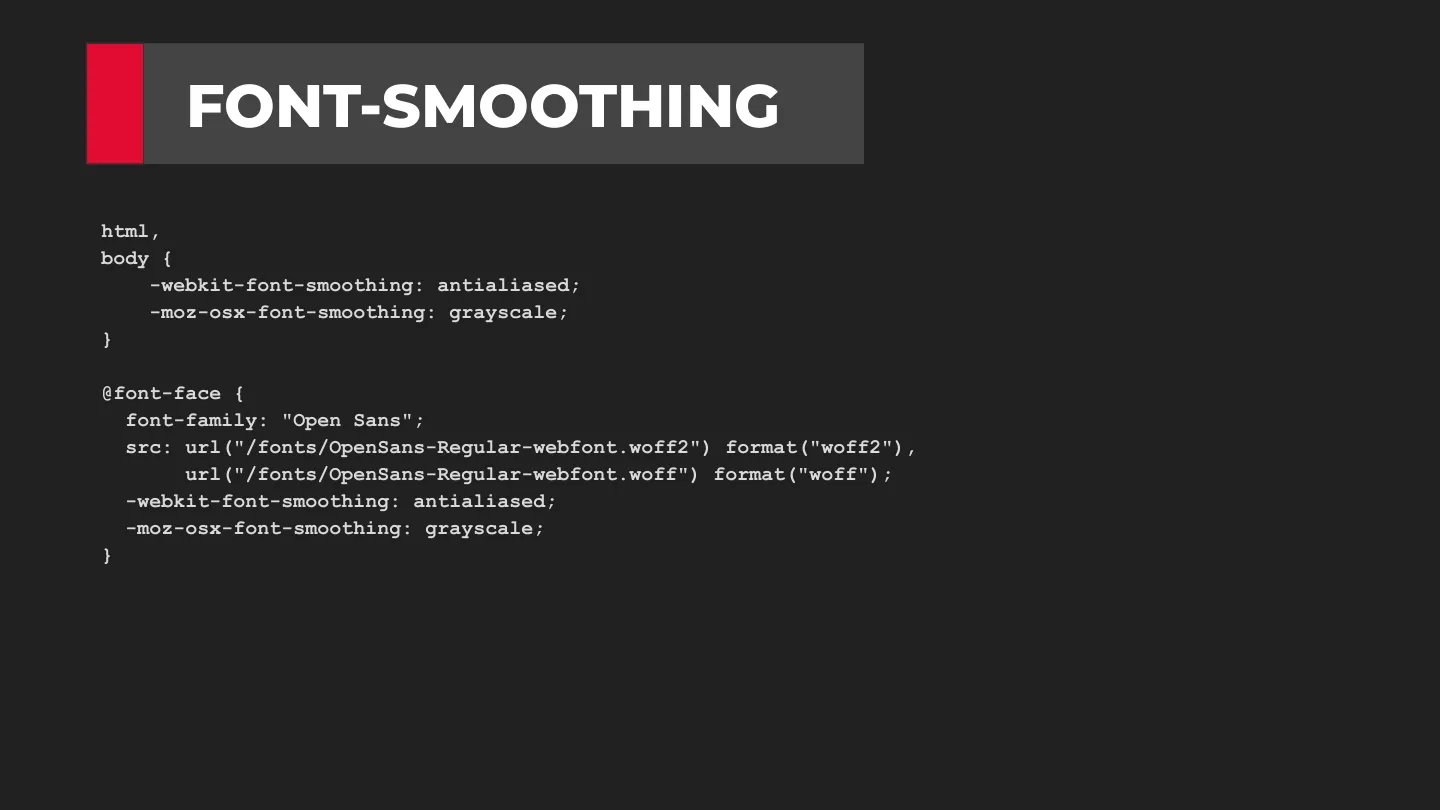
Ever put a web font on your site and it just doesn’t look right? You may be having an anti-aliasing issue, and there’s a simple fix:

html,
body {
  -webkit-font-smoothing: antialiased;
  -moz-osx-font-smoothing: grayscale;
}

Variable fonts

Variable fonts are the next evolution of fonts: every variation of a font from a single embed. Fewer files means less bandwidth, which means faster sites. Many of the free Google Fonts are now available as variable fonts, like Lora.

visitor@whatadewitt: ~